
1# Switching on/off and servise functions. Personal SCENAR devices. CHANS-SCENAR.

Did you know that during our webinars we present SCENAR information in ways people can easily understand. All the PowerPoint/Slideshow presentations are readable and topic relevant. We use clear, simple and concise statements in English that help our audience successfully translate (if needed) the presentation into any foreign language.
We pay close attention to plain language and design of our materials to enhance ease of use for all readers (not the live webinar participants) and word-for-word translations from English into any desired language.
All the techniques discussed during the webinars are shown according to the algorithms of application.

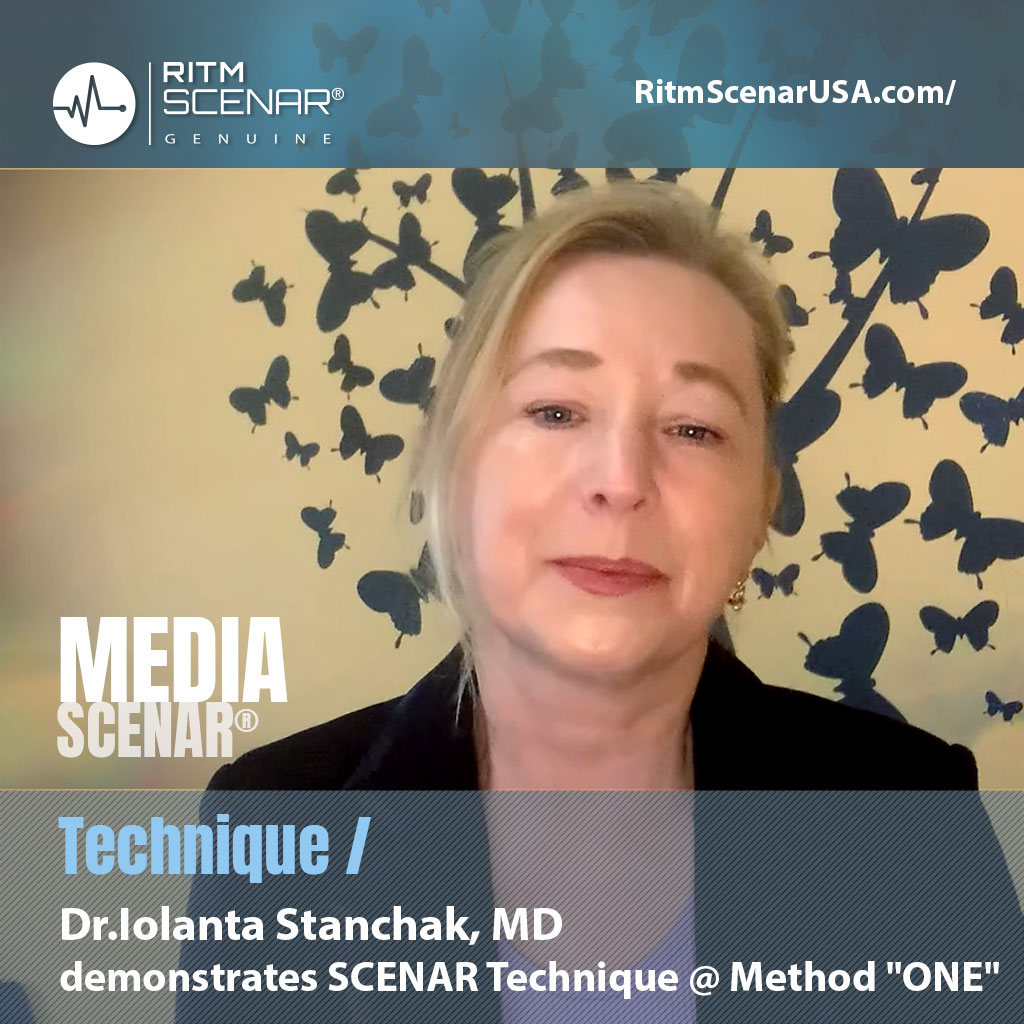
This video explains how to switch on or off the device and activate/deactivate different service functions, including the bio mode and a keyboard lock. With the locked keyboard the device can be placed under the target area while sitting or lying, which is good, for example, for the hard-to-reach areas of the back. Personal SCENAR devices. CHANS-SCENAR.
Categories

Archives

Tags: SCENAR device, VideoManualScenar

More Similar Posts

1 Comment. Leave new

  • My light when I turn on scenari only stays on for one second
    I have tried holding it for two seconds then tried three then only 1 is the light meant
    To remain on? I have an old scenario 94.1 it now after years only does diag zero
    Please advice

You must be logged in to post a comment.