

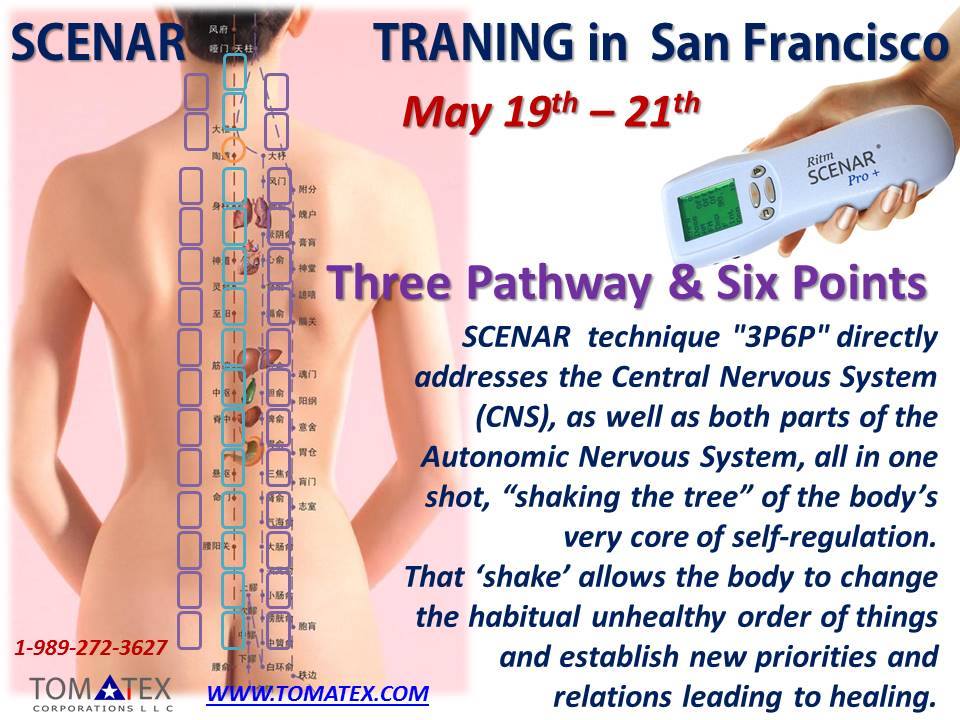
SCENAR ® products are regulated as Transcutaneous Electrical Nerve Stimulation (TENS) Devices, which are designated as Class II devices by regulation.
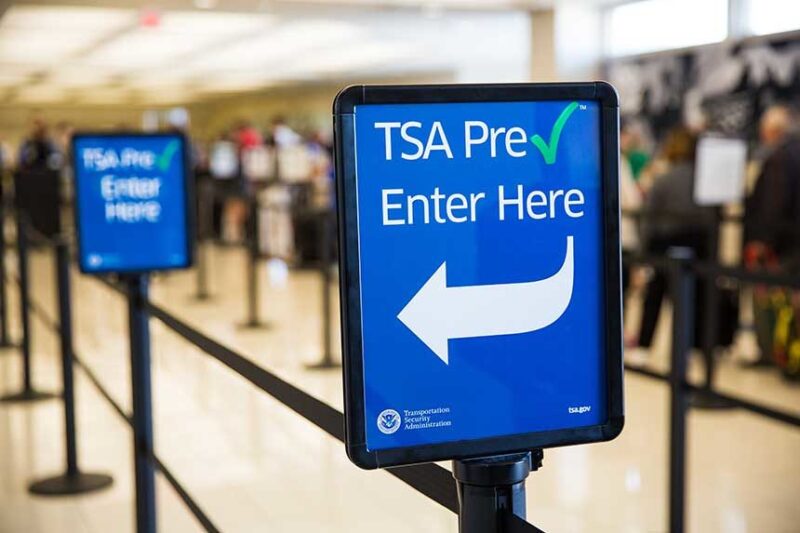
TENS units are allowed in both carry-on and checked bags.
If your doctor has told you that your specific TENS unit shouldn’t go through an X-ray, you should notify the TSA officer so they can conduct alternate screening.
To help you get through security more efficiently, remove your TENS unit from your carry-on bag and put it in the screening bin so the TSA officer can get a clear view of it. It is recommended to take the batteries out while going through TSA, do the same with the devices in checked luggage.
Go to the Transportation Security Administration website ( tsa.gov/travel/security-screening ) for the latest information regarding batteries and battery-operated devices in carry-ons and checked luggage. No problems in traveling with SCENAR devices have been reported but the Federal Aviation Administration and TSA may change.






You must be logged in to post a comment.